

WordPress
The web’s most popular CMS, but no longer our default for small business websites.
We no longer build on WordPress, and for most small businesses we recommend moving off it.
 Webflow
 We used to build on WordPress. We do not anymore.
For years WordPress was the sensible default. It was free, it could do anything, and it had a plugin for every requirement. We built and maintained a lot of WordPress sites, and we ran a managed care plan to keep them healthy.
We stopped because its maintenance model was no longer the best fit for most of our small business clients. That does not make WordPress bad software. It remains flexible, capable, and appropriate for many organizations.
Where the burden shows up
Maintenance is part of ownership. Core, theme, and plugin updates need regular attention, and changes can conflict. A properly managed WordPress site can be secure and reliable, but someone has to remain responsible for it.
Its popularity attracts automated attacks. WordPress itself has a mature security process, but outdated plugins, themes, weak credentials, and poor hosting can introduce risk.
Plugins create dependencies. They are one of WordPress’s strengths, but every added plugin has its own updates, support history, and compatibility requirements. A careful build keeps that stack intentional and small.
Performance varies. Hosting, theme quality, page builders, plugins, media, and caching all affect the result. WordPress can be fast, but achieving and preserving that performance may require ongoing technical work.
The software is free, ownership is not. Hosting, premium tools, backups, security, and maintenance may all carry costs. The total can be reasonable or expensive depending on the site and who manages it.
Where WordPress is still the right answer
We are not claiming it never fits. WordPress remains a reasonable choice if you have a large editorial operation with many authors and complex workflows, if you depend on a specific plugin ecosystem with no equivalent elsewhere, or if you have in-house technical staff who already maintain it well.
If that is you, keeping it may be the right decision. Just make sure responsibility for maintenance is clear.
What we recommend instead
Webflow if you want a visual editor, structured CMS, hosting, forms, and platform-managed infrastructure without maintaining a plugin stack.
A custom static build if speed and control matter most. We often use Astro to produce static HTML, reducing the server-side attack surface and routine maintenance. See website development.
What a migration involves
A migration should begin with the question of whether it solves a real problem. If it does, preserving URLs, metadata, content, and search history is part of the work, not an afterthought. Our WordPress-to-Webflow migration guide covers the process in more detail.
Some examples of WordPress sites we’ve built
Websites and online stores we have built or supported on WordPress.
The Lazaris Material
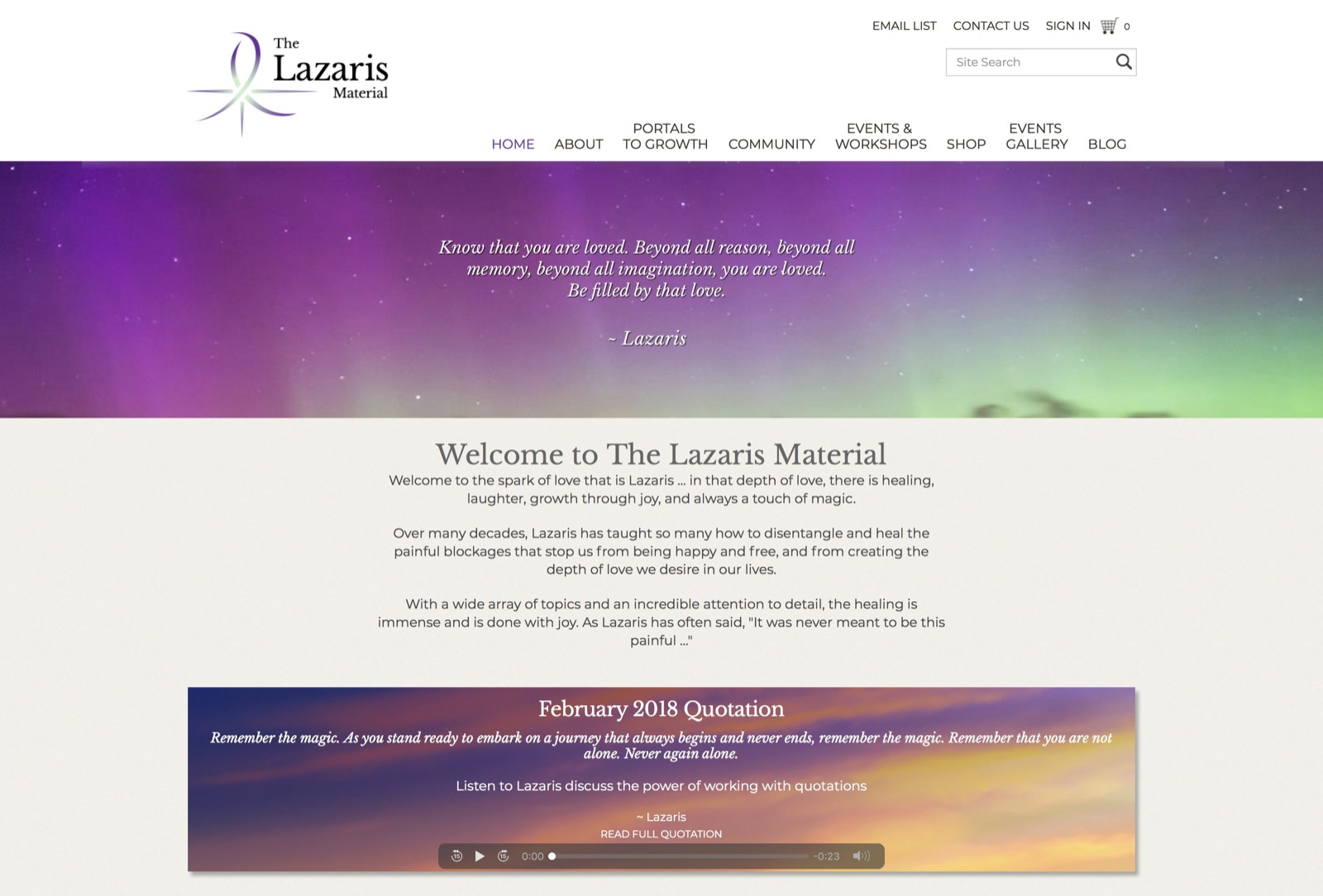
A technically complex store that brought streaming media, subscriptions, physical products, and customer accounts into one system.
Read the case study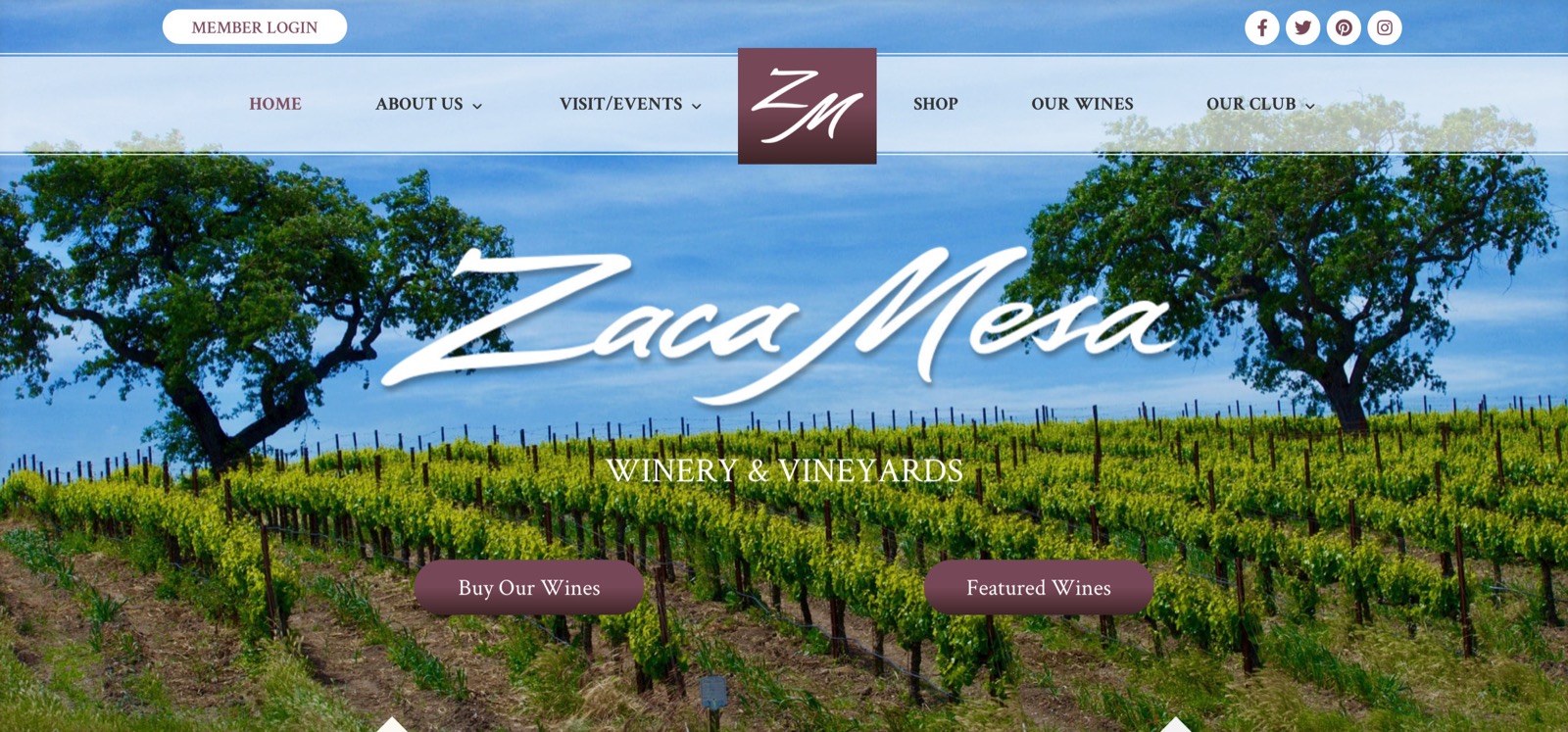
Zaca Mesa Winery
A deadline-driven redesign and complete content migration from Adobe Business Catalyst to WordPress for a California winery.
Read the case studyWhat happens next
If updates, plugin conflicts, or maintenance costs are becoming a burden, we can assess the site and tell you whether migration is worth the disruption.
Other options
Add On IDX
Our IDX product for designers who need to add MLS listings to a real estate website on nearly any platform.
Read our take → Website platformWebflow
Visual design, a real CMS, and hosting that works. Our default for clients who want to manage their own site.
Read our take → AI platformAdd On AI Chat
Our AI chat widget for small businesses and nonprofits that need useful answers without an oversized software package.
Read our take →Let’s talk about your project.
No pressure. Clear recommendations. 31 years of seeing what works.